MY PROJECT
Your project.
Review, edit and save configured models and saved design preferences together.
Once prices, fit and package contents are approved, this complete enquiry can form the basis of a quotation.
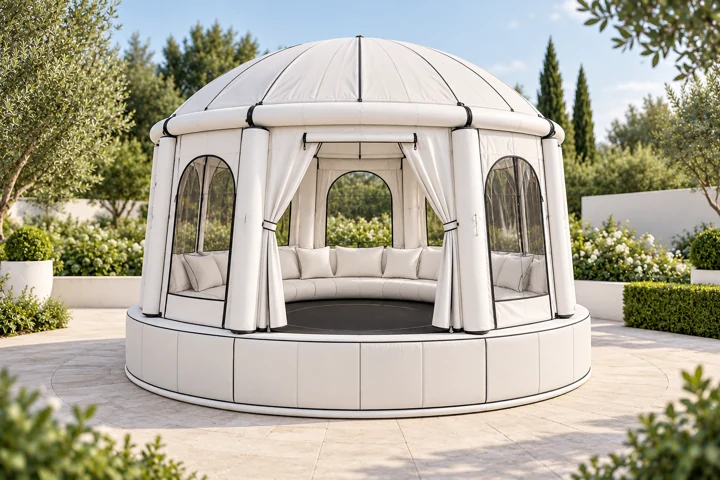
Configure AIRSHELTER
Design, operating mode and features.
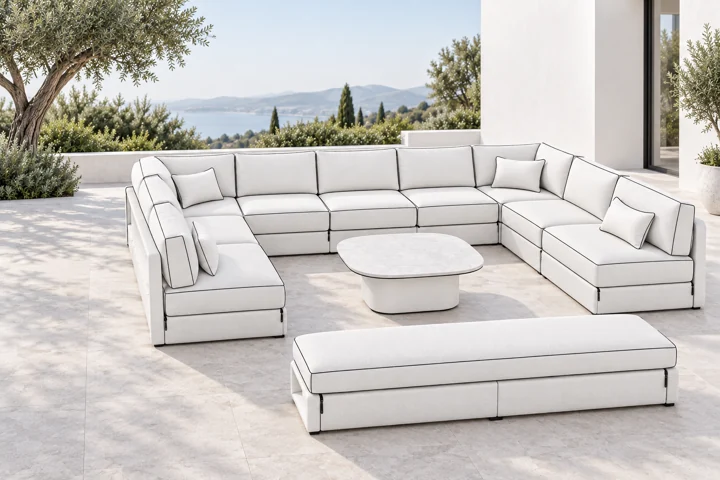
Configure HydroLounge
Furniture and compatible additional preferences.
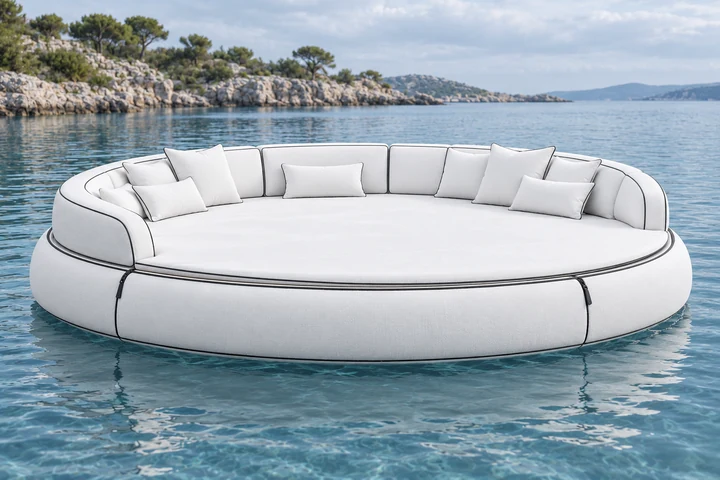
Explore Aqua Lounge
Your own lounge idea on the water.
MODELS / DESIGN PREFERENCES / SPACE DIVIDERS
Your ideas.
One project.
Configured models and deliberately saved design preferences come together here. Review your project, assign a fabric preference and take your plan with you as a file.
Saved colour, fabric and space-divider preferences appear here.
COORDINATE FABRIC AND LIGHT
Your design preference. Your furniture entries.
The studio shows a lighting concept. Here you can see whether LED is also requested in each furniture configuration.
The fabric assignment adds a design preference. Make any changes to the features explicitly in the relevant furniture entry.
Continue your project.
Save or reopen your project
Preparing your project overview.
The project file contains your configuration and design preferences for further local planning. It does not create an order or a product pass. The text file also includes the design details that still need to be checked.
Review the project file before applying it.
Applying the file replaces your local configuration, design preferences and project details. You can undo the last import.
PRODUCT PASS / DEMO
Your model. Clear down to the details.
Explore your saved configuration or one of four examples with a schematic component map. Dimensions, revisions and fit remain visibly unconfirmed until the specific version is confirmed.